Duplicate funnel
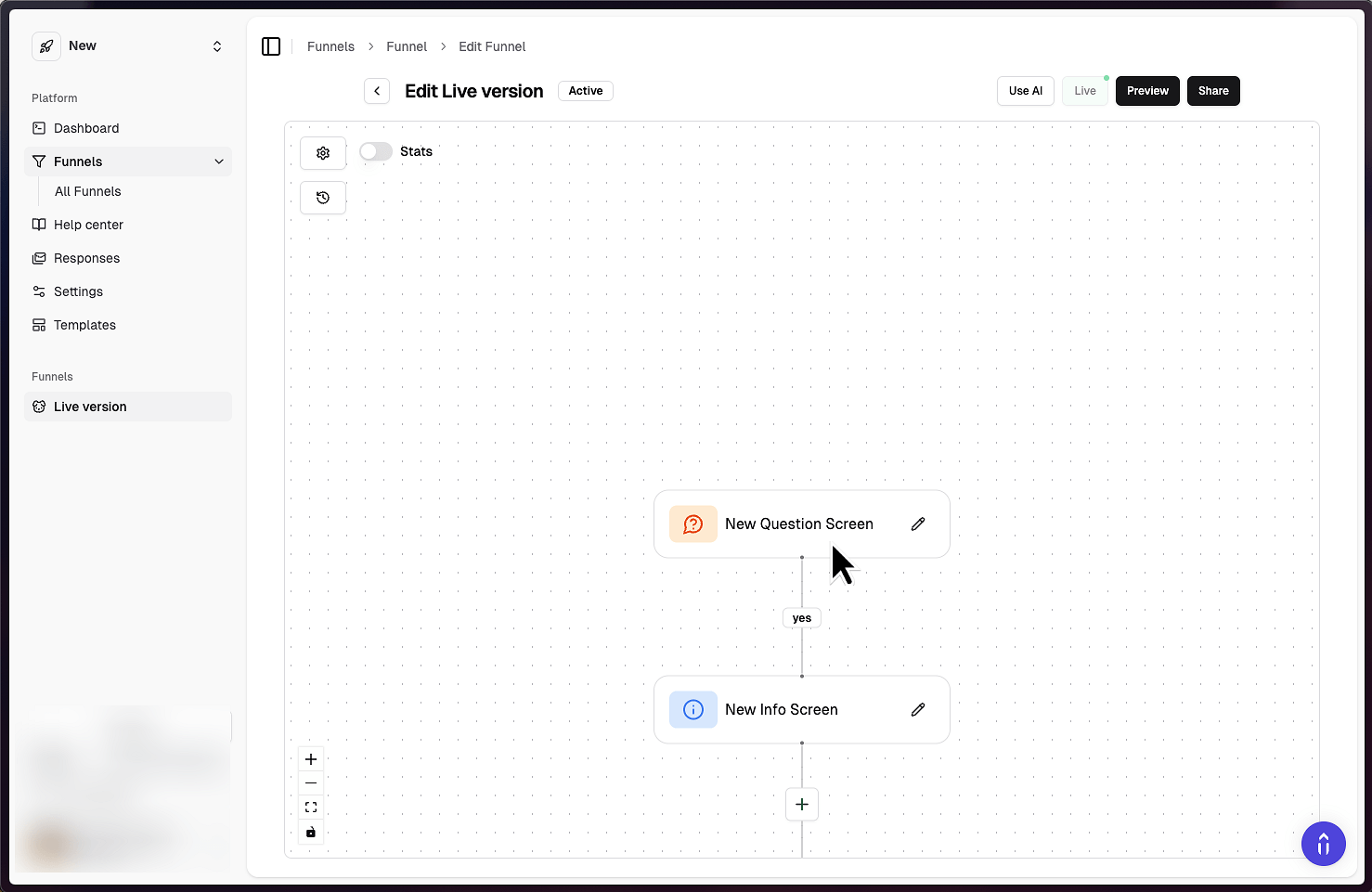
1. Select the first screen of the funnel you want to duplicate
If you don't want to duplicate the entire funnel, just select any other screen.
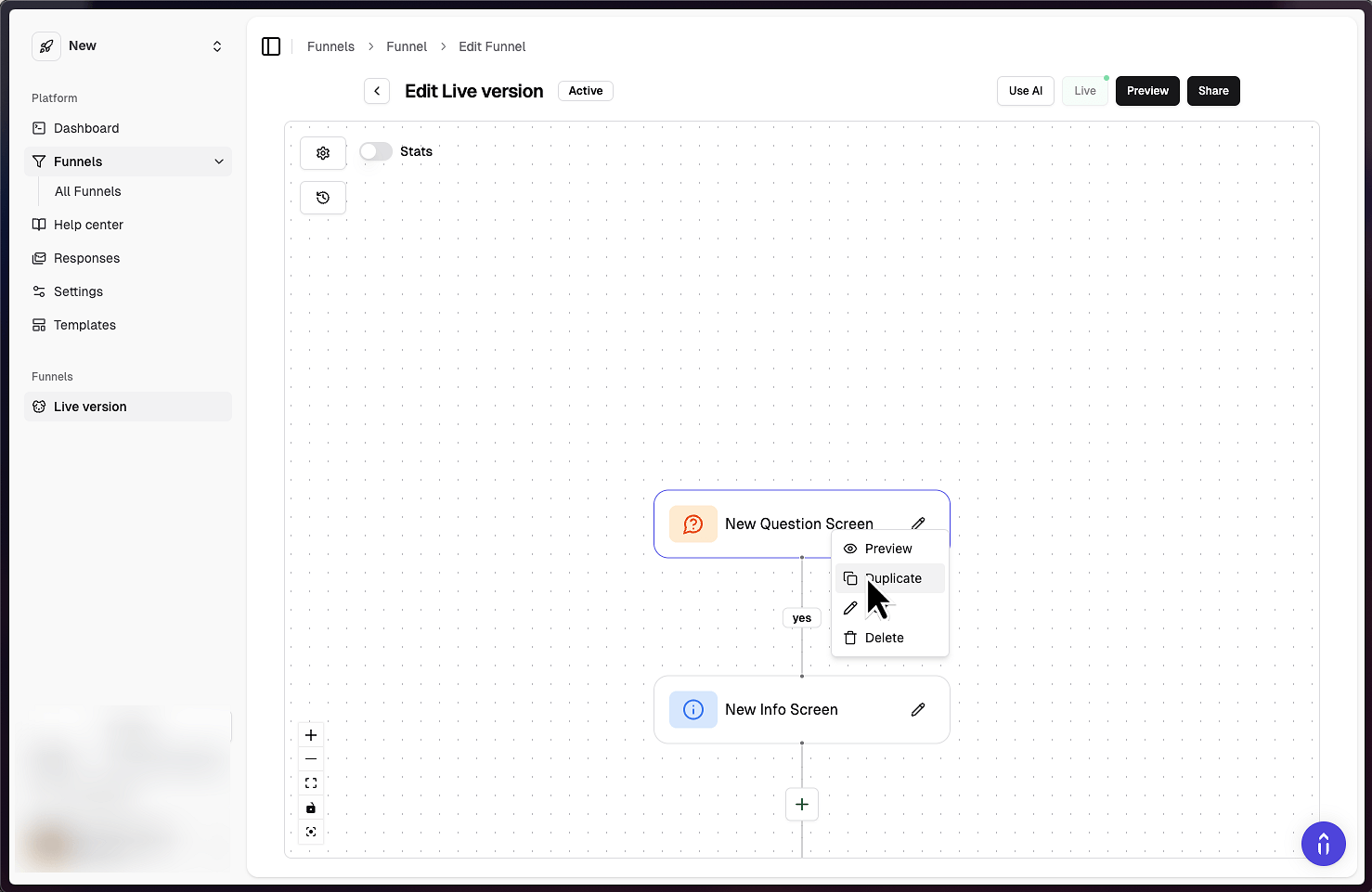
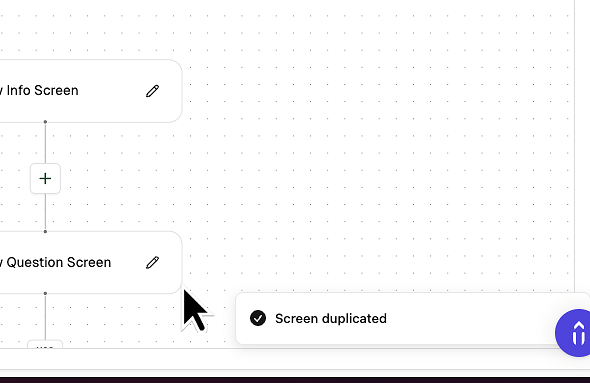
2. Click Duplicate
If you're on mobile or don't have a mouse, the duplicate button can also be found in the screen editor.
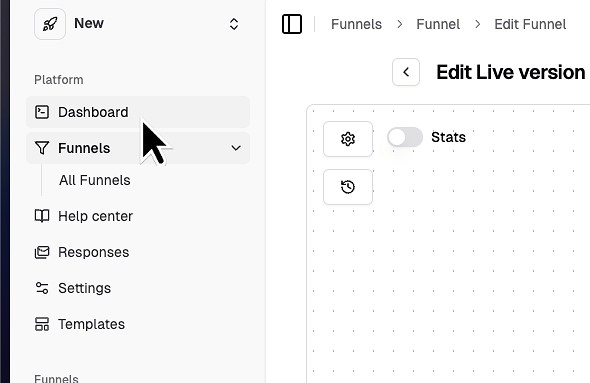
3. Click "Dashboard"
Make sure to stay in the same browser window.
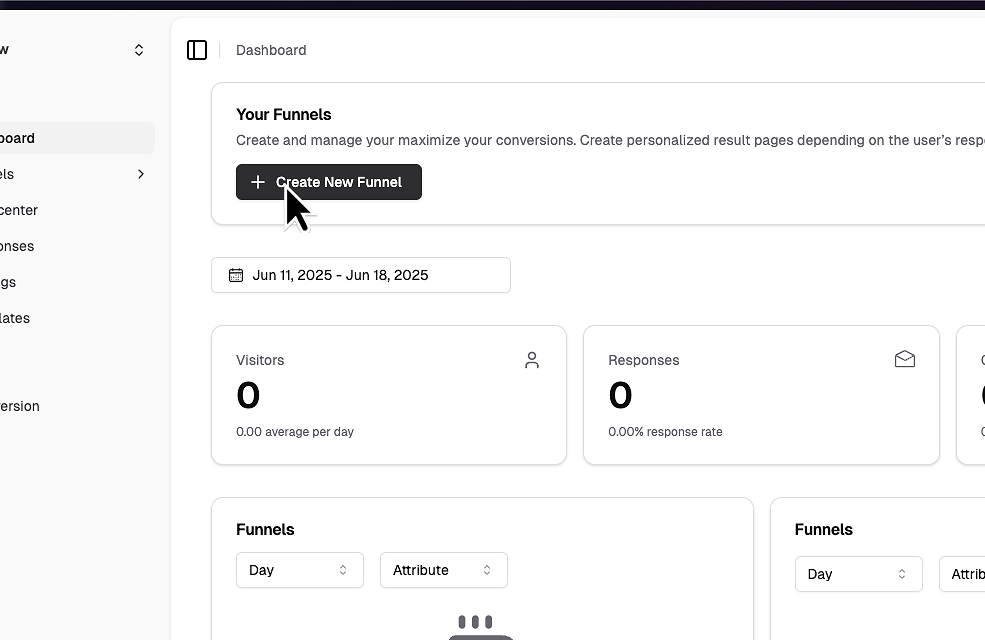
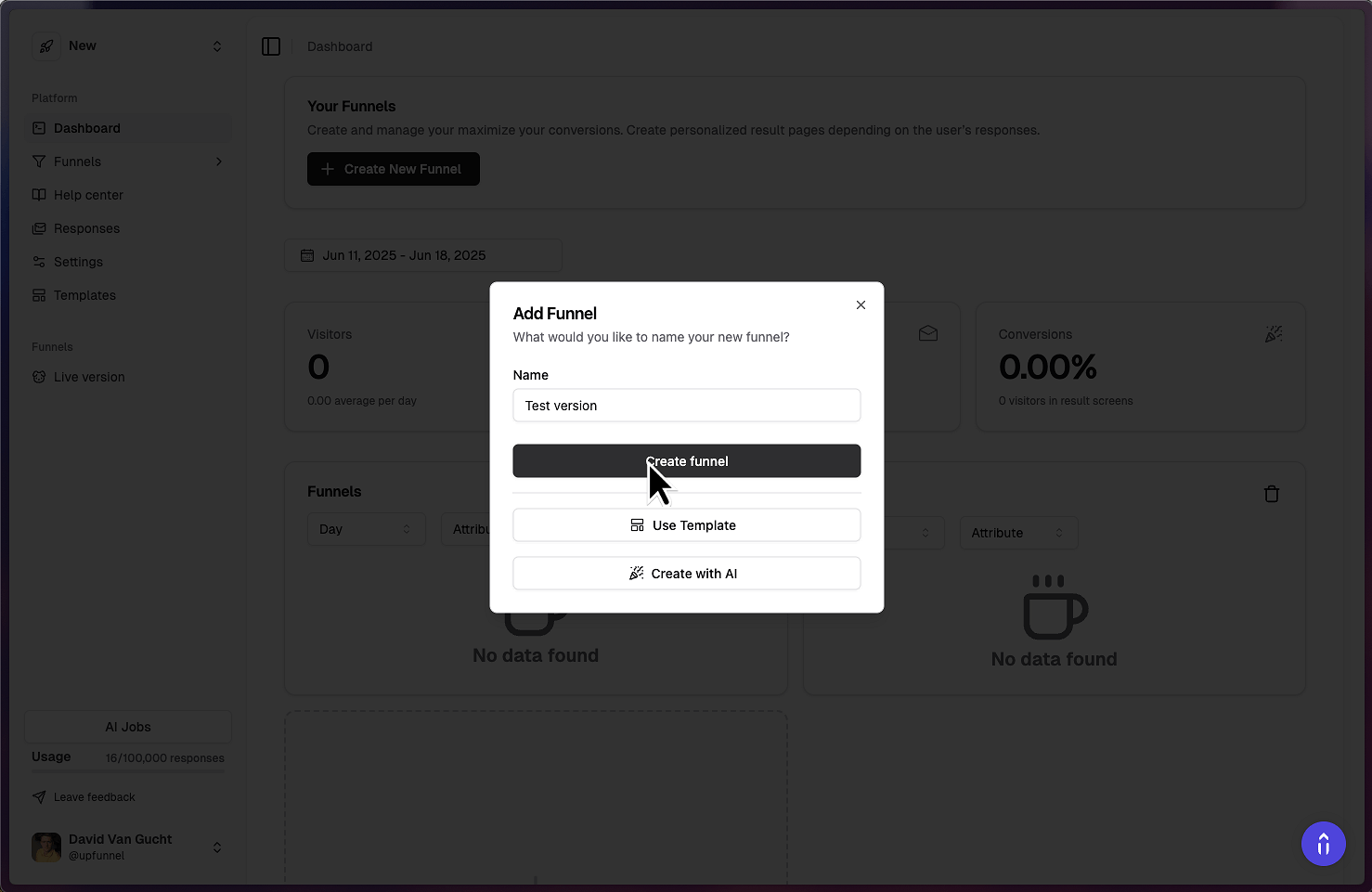
4. Click "Create New Funnel"
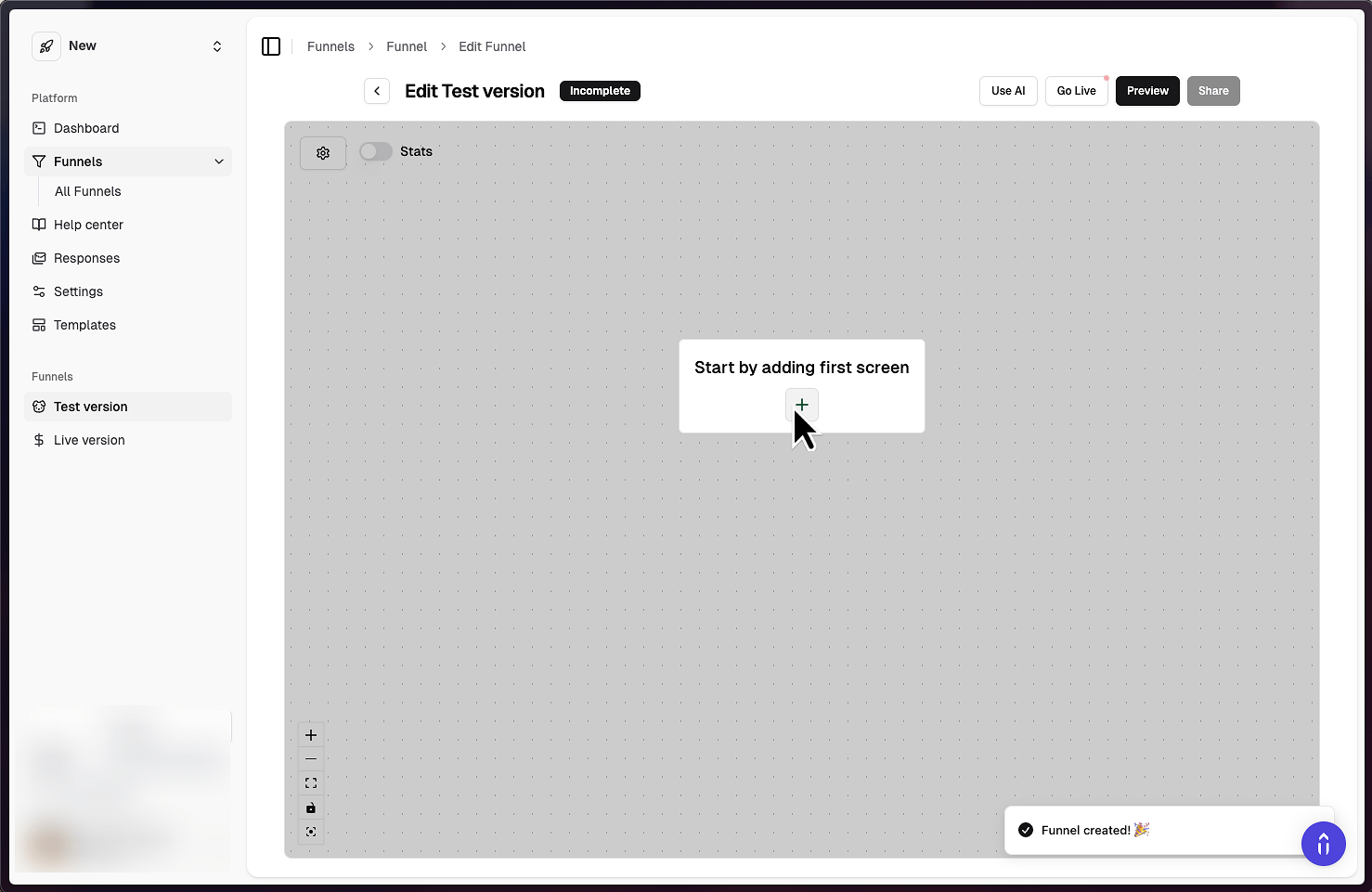
5. Click "Create funnel"
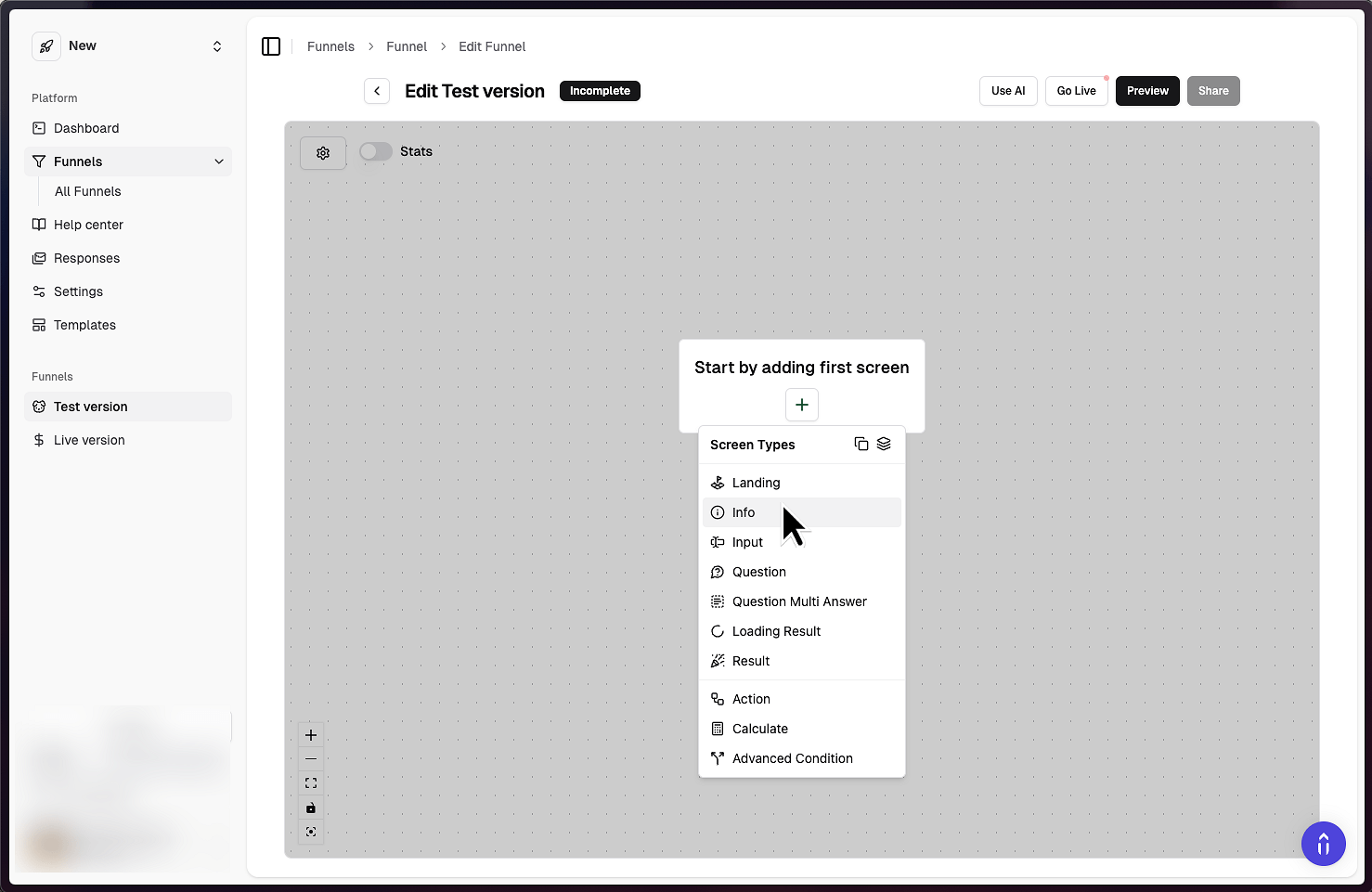
6. Create a new info screen
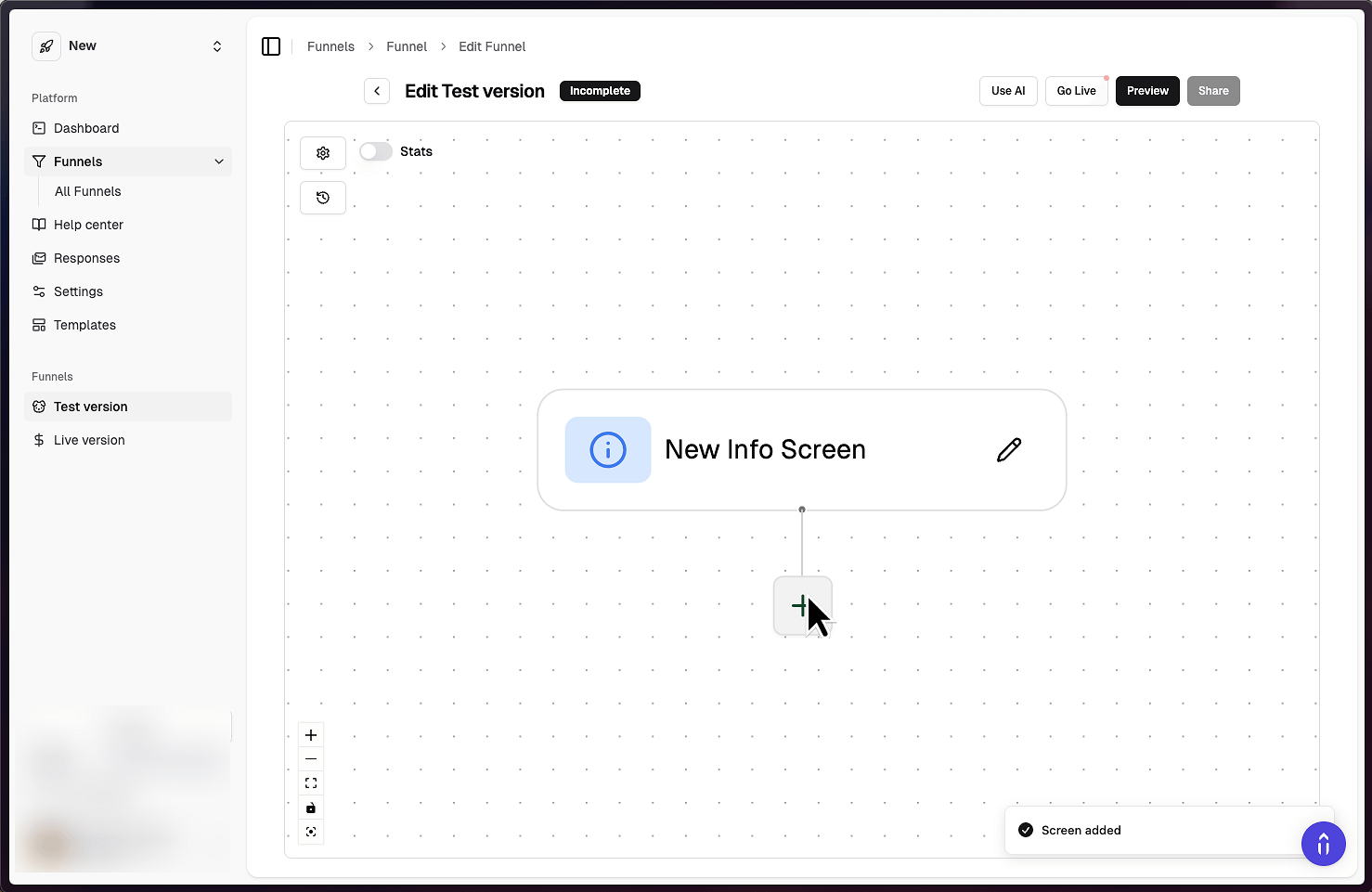
This will be a placeholder
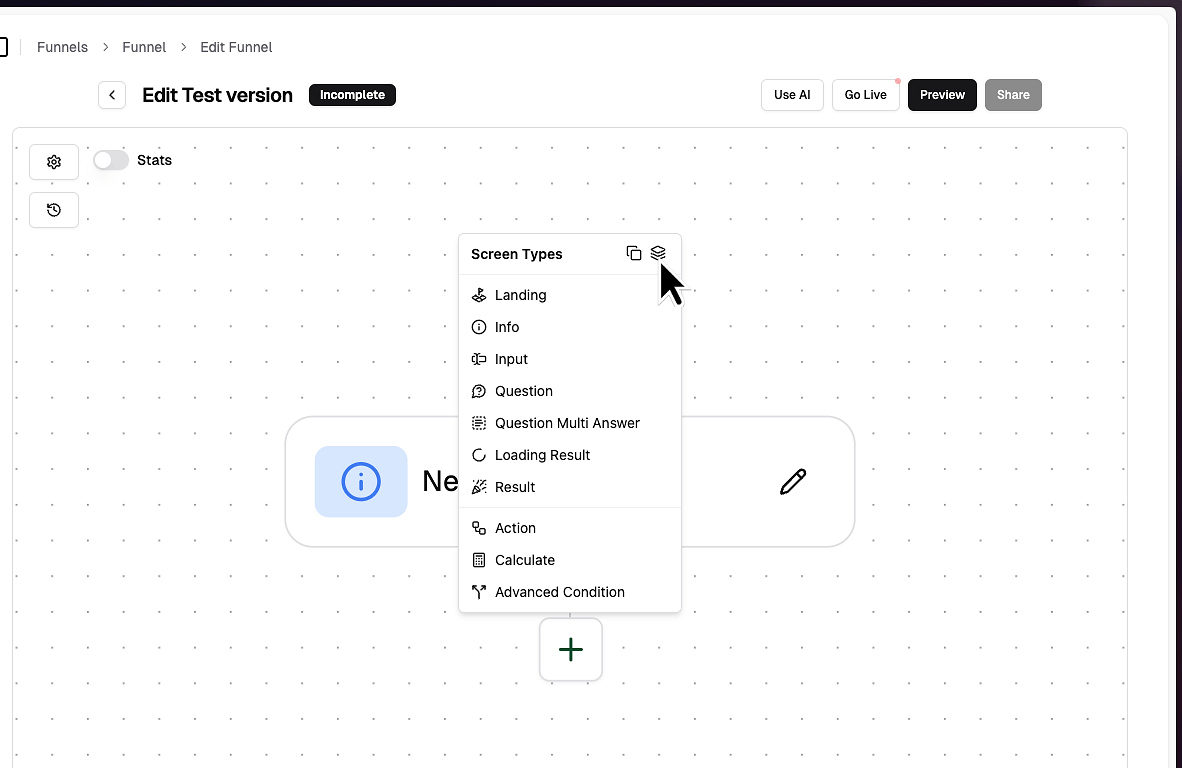
8. Add a screen bellow the initial screen
9. Click duplicate with following screens
10. That's it!
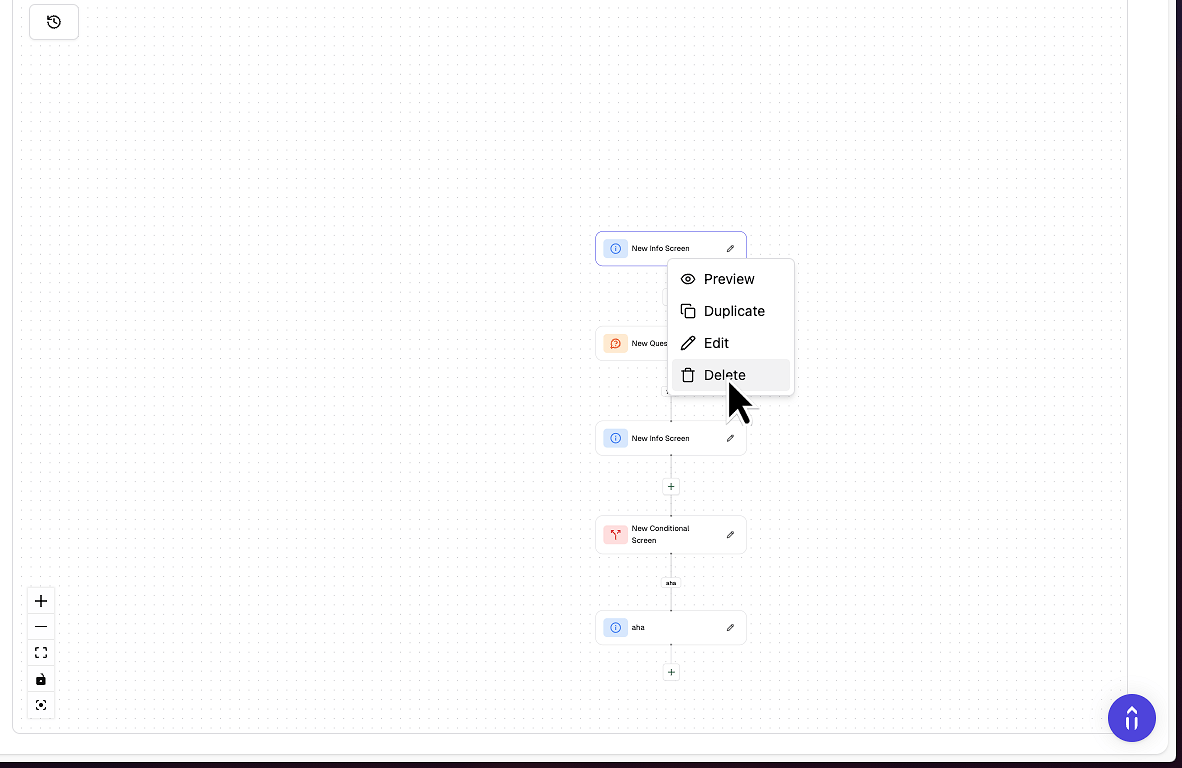
11. Just delete the initial info screen
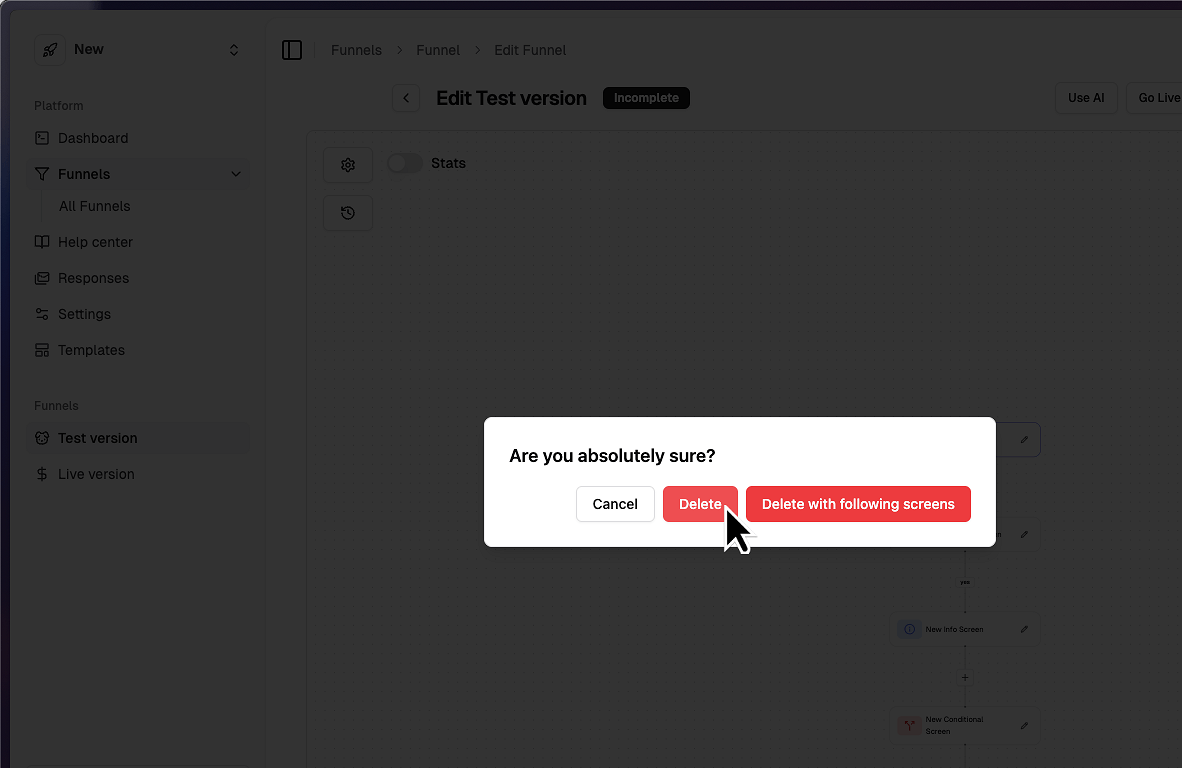
12. Confirm the deletion
That’s it! You’ve successfully duplicated your funnel!